Create social media posts, flyers, collages, logos, and wallpapers with drag-and-drop tools. Use pre-designed templates for Instagram, Facebook, and phone wallpapers. Add text, images, and graphics.
Create designs and graphics using customizable templates and a vast library of images, fonts, and templates. Apply photo filters and adjustments to enhance visuals. Organize templates into folders and favorite favorites for quick access.
Edit photos and videos with grid layouts, templates, and customizable collages. Add exclusive stickers, backgrounds, and doodles. Create Christmas cards and share finished projects directly.
Create custom mosaics and video mosaics using images from device or social accounts. Analyze colors and shapes to generate personalized mosaics. Adjust settings for customization. Zoom in for detailed viewing.
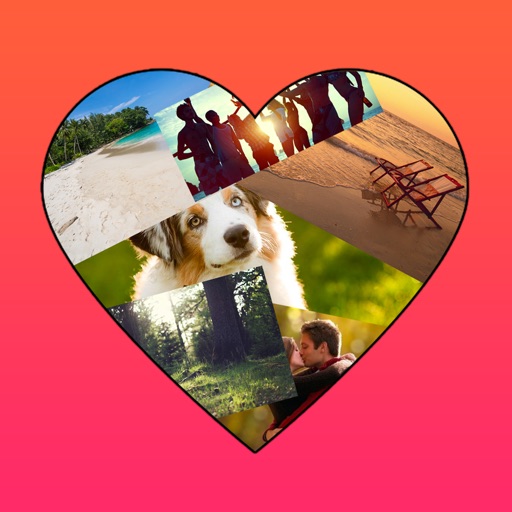
The app allows users to create photo collages in various shapes. Users can select photos and arrange them into designs such as hearts, dogs, cats, and martini glasses.
Edit photos with layers, filters, and brushes. Adjust brightness, contrast, and color. Add text and stickers. Export in multiple formats and share directly.
Browse recent arrivals and promotions. Add items to cart and complete checkout. Sign up for waitlist to purchase items when available. View product details and sizes. Track order status and shipping updates.
Edit by merging multiple clips, rearranging, and removing sections. Add multiple text messages with animation, custom fonts, and styling options including stroke, shadow, and background. Export final edits.
Set without trimming. Adjust to fit duration. Crop to square or keep original orientation. Set background color. Apply filters and overlay shapes. Add background music or retain original audio. Share to social media or save.
Create videos from multiple selected frames with customization options. Edit photos by zooming, rotating, and dragging within frames. Combine multiple frames into a single large .
The app modifies a user's eyebrows to show different shapes, shades, and colors. Users can choose a look before plucking, threading, or waxing their brows.
Create collages by merging up to 20 photos with frames, stickers, and text. Adjust borders, add pattern backgrounds, and use shapes for flyers and posters. Share creations on Facebook, Instagram, and other social media.
Create artistic images using 50+ custom templates. Crop and frame photos into symbols, words, or shapes. Share finished images to Instagram, Facebook, Flickr, Tumblr, and Twitter.