Trim, cut, and crop videos with precision. Add transitions, text, and music to enhance content. Export videos in various formats and share directly to social media or messaging apps.
Photos by flipping horizontally or vertically. Create reflections and repeating patterns. Apply effects and frames. Design collages with multiple layouts. Export and share edited images.
Take photos with high-resolution settings. Apply 40 free filters, including a popular pink filter. Edit images with color adjustments and effects. Add creative accents to photos. Share edited photos directly from the .
Create and edit videos with real-time location overlay, date stamps, and crystal ball effects. Add particle effects, draw with a pen, and apply film filters. Include watermarks with current location and date.
Edit photos by beautifying faces or replacing backgrounds. Apply filters and adjust images. Duplicate subjects in portraits. Use depth data from dual-camera photos to enhance edits and create -style effects. Export modified images directly.
Take photos or select images from the gallery. Position, resize, and rotate a mask overlay on the . Apply filters and adjust the mask. Share the final image on social media or via email. Switch masks or edit the as needed.
RAY INFORMATICS YAZILIM TEKNOLOJI MEDYA DANISMANLIK VE EGITIM TICARET LIMITED SIRKETI
, , and edit photos
Convert printed photos to digital format by scanning and colorizing them. Apply various templates and filters to enhance images. Save and share the edited photos directly.
Create collages with 64 layouts and custom difference templates. Add photo frames, stickers, captions, and text with font options. Edit backgrounds and export finished collages.
Capture photos with a unique film style inspired by @hwa.min's aesthetic. Adjust color tones and lighting to match the film's warm, atmospheric look. Share edited photos directly to social media.
Edit photos and videos with advanced auto enhance tools, double exposure, and 425 special light effects. Apply filters, add stickers, typography, and vignettes.
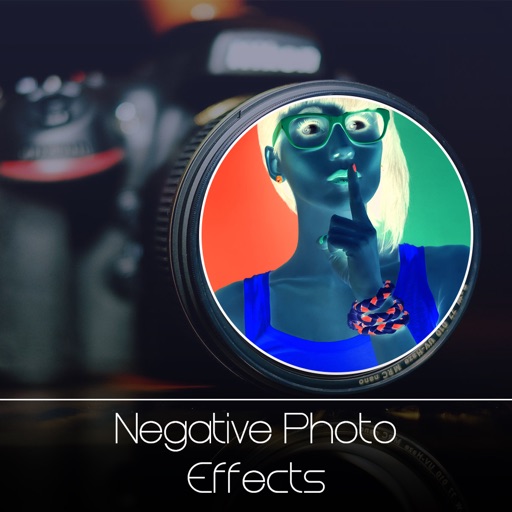
Edit photos with neon, shadow, and synthetic effects. Adjust brightness, contrast, and color. Add text, stickers, and transparency. Apply blur, cartoon processing, and halftone patterns. Invert colors and use copy-paste tools.
Apply visual effects to photos using finger controls. Adjust each effect with customization options. Use particle-based effects for dynamic results. Edit photos from camera or library. Save and share edited images.
Take photos with real-time beauty filters and effects. Apply makeup and adjust skin tone instantly. Use photo filters to enhance images. Create collages by combining multiple photos. Edit with blur, whiten, and other tools.