Teachers create lessons with demonstration videos, set goals, and add lesson notes. Students watch video examples, track progress on a leaderboard, earn in- prizes, and receive customizable in-studio rewards.
Turn iPhone or iPad into pads and keyboard. Connect via Bluetooth or USB. Assign and name 16 pads. Use full 88-key piano. Select channels and velocity. Control CC and program changes. View message logs. Requires external synth or plugin.
Analyze audio songs in the iOS music library to display symbols. View chords in graphical piano keyboard or guitar tab formats. Practice and play songs using displayed chords.
Read and manage from PDF, image, text, and MIDI files. Import scores via camera, photos, or files. Organize by title, artist, and setlist. View scores in horizontal, vertical, or two-page modes. Annotate with pen, text, shapes, and stamps.
Play with and interact with books and gifts on a bookshelf. Eat to level up and play musical instruments like guitar, piano, and trumpet. Engage in popular mini games and unlock additional content in .
Record and playback performances customizable signal types and channel selection. Include FM sounds and an on-screen keyboard for note-taking. Save files as Standard Format without subscription.
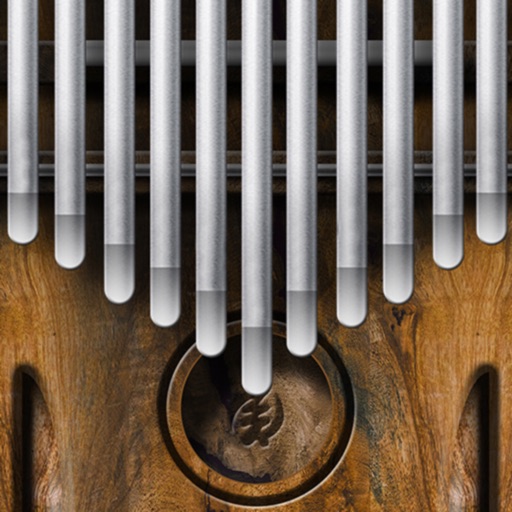
Play a simulator by sliding fingers over tines to produce multiple notes simultaneously. Adjust pitch and volume. Visualize tine vibrations in time. Save and share custom compositions. Sync with music apps for playback.
The app provides piano accompaniment for vocal exercises. Users can select a starting note, choose transposition options, and adjust the prep chord length.
Play using an 88-key virtual keyboard with single-row or double-row layouts. Support multitouch and adjustable keyboard width. Record performances and switch between and guitar modes.
The app provides a music production environment with a piano keyboard and studio-quality instruments. It includes a multi-track sequencer for editing notes and applying effects.