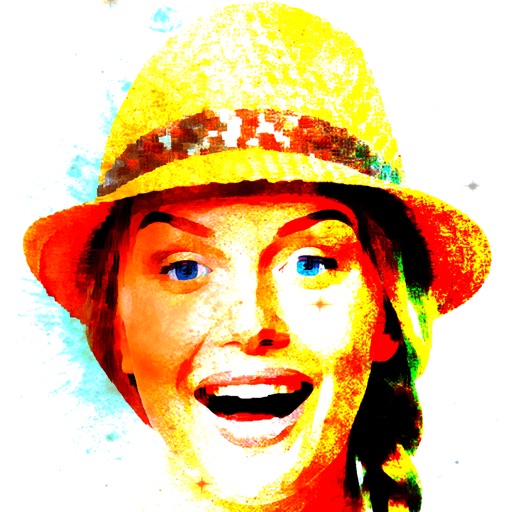
Create self-portraits with various art styles such as watercolor, oil painting, and wire craft. Apply live effects or modify existing photos. Choose from multiple canvases and unique effects like droplet.
Create artistic images by masking subjects and separating them from backgrounds. Apply filters to subjects or backgrounds for dramatic effects. Adjust styles and textures to enhance visual impact. Share edited photos directly from the .
Create collages by selecting layouts, adding photos, and personalizing with frames or templates. Arrange images in grids, freestyle, or pre-designed templates. Share directly to social media or messaging apps.
Edit photos to convert them into and with adjustable contrast, brightness, and grain. Apply filters and vintage effects. Crop, rotate, and add text overlays. Save and share edited images in various formats.
Professional camera and photo editing application.
The app offers a professional camera with extensive photo editing capabilities. It includes filters, adjustments, effects, blur, focus, drawing, cropping, resizing, and text tools for image enhancement.
Create collages by combining photos into -shaped frames. Apply filters and adjust colors. Share collages directly or save in various formats. Organize memories in a single album.
Edit photos with filters, effects, and adjustments. Add text with multiple fonts, colors, and effects. Overlay text or add captions and 3D text. Include stickers, artwork, and frames. Create collages and personalize cards with photos.
The app allows users to combine photos and music to create slideshow videos. Users can choose and arrange photos, edit them, add transitions, select music, and then save or share the video.
Edit photos with 23 tools including manual adjustments for ISO, shutter speed, and focus. Apply 80 presets and textures. Use built-in camera for manual settings. Export edited images directly. Share photos through integrated sharing options.