Create and play music with virtual trumpet, trombone, and saxophone instruments. Adjust articulations, dynamics, and timbres. Record and export performances. Sync with DAWs for production. Control via MIDI or touch interface.
by Christian Schoenebeck d/b/a Crudebyte★ 4.237 ratingsMusic$9.99Data updated 2026-09-10
Explore the body with 3D models of the skeleton, organs, and muscles. Use voice search to identify body parts. Access detailed information about the skull and bones. Take quizzes on skeletal, organ, and muscular systems.
Allows users to create and customize drum patterns using 16 drum pads. Each pad can trigger individual sounds or loops. Users can load custom samples or drum loops and have them sliced automatically.
The app transforms an iPad into a multitrack music recording studio for audio and MIDI. Users can record, edit, and mix tracks with various editors and effects.
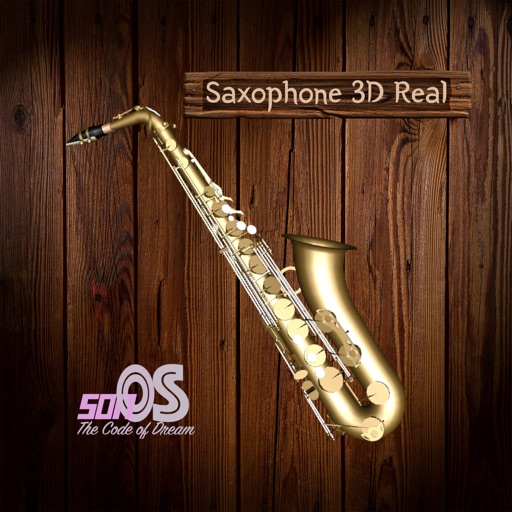
Play with virtual keys and adjustable reed settings. Practice scales and melodies. Record performances and playback with pitch correction. Share recordings via social media or email. Adjust breath resistance and tone quality settings.
The app provides the full text of the Texas Penal Code for iPhone, iPad, or iPod Touch. It features real-time and fast full-text search, with no network connection required for use.
Create and play music with a variety of vintage sounds. Record and compose tracks. Perform live with customizable patterns and effects. Export audio files and share directly.
Create and arrange melodies, bass lines, and drum beats by moving dots on the screen. Switch chords and patterns instantly. Apply delay and reverb effects to instruments. Tap or drag to build sequences. Sync with AirPlay for playback.
Create and play music with chord circles and strum keys. Switch between major and minor keys. Play scales and set auto-accompany with drums, bass, and arpeggiators. Record performances and share them.
Study for the CDL written exam with practice tests containing 680+ questions. Access road signs, the CDL manual, and the Driver Manual. Review sections on air brakes, combination vehicles, doubles and triples, and driving safety.
Create and customize loops from a wide range of genres and cultures. Integrate with AUv3-compatible DAWs for seamless workflow. Adjust parameters and trigger beats with touch controls. Export loops in multiple audio formats and share directly.
The app provides an interactive e-reader for enhanced reading and studying. Users can add notes, sketches, and highlights, and generate summaries from highlighted text.
Access fingerings for woodwinds and brass instruments with alternate and trill options. Retrieve fingerings from written or concert pitch. Supports Piccolo, Flutes, Oboe, Clarinets, Saxophones, and various trumpets and horns.
Access the complete text of the California with real-time section searches and fast full-text search. Email or print selected sections. Read aloud text and search within results. No internet connection required.
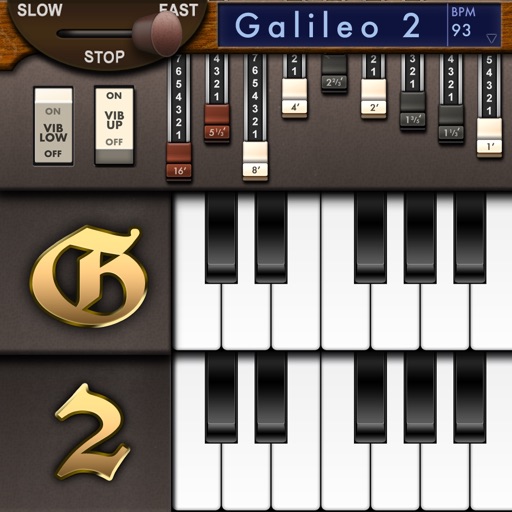
Create and customize sounds with 17 different types. Configure three manuals independently. Use scanner vibrato and chorus effects. Simulate rotary cabinets and tube amplifiers. Access AUv3 plugin for integration.
Create and customize sounds and drum loops. Adjust pitch, tempo, and effects. Layer drones with drum patterns. Export tracks in multiple formats and share directly.
Learn COLREGS rules through interactive visuals and memory aids. Practice exam answers with customizable quizzes. Track progress with built-in assessments and review tools.
Enables routing of data within AUv3 hosts. Users can create up to 12 scenes with layered instruments. Each scene supports up to 127 channels. Features include keyboard splits, crossfade transitions, and ensemble layering.