Apply visual effects to photos using finger controls. Adjust each effect with customization options. Use particle-based effects for dynamic results. Edit photos from camera or library. Save and share edited images.
by Pawel Delimata★ 4.7320 ratingsEntertainmentFreeData updated 2026-09-10
Apply live filters to enhance photos with effects. Adjust color tones and add vintage textures. Share edited images directly to Instagram. Save and view photos with analog-style filters.
Capture motion blur and light trails using speed settings. Adjust exposure time, ISO, and focus manually. Import photos and apply creative effects. Share images directly from the .
Create animated live photos and moving backgrounds with motion effects. Add animations to static images. Edit videos with transition effects and background motion. Share finished animations directly from the .
Edit photos with 3D and color effects to create立体 art. Apply special effects to enhance images. Save and share edited photos directly. Use fun and intuitive editing tools for creative customization.
Edit photos by applying and effects. Select images from the gallery or camera. Adjust frame position, size, and angle. Choose from multiple stylish frame options and effects.
Edit photos with a wide range of effects, from basic adjustments to advanced graphic transformations. Repaint images using various brushes and import Photoshop brushes. Share edited photos on Instagram with the # tag.
Edit photos with a variety of high-quality frames to enhance visual appeal. Apply filters to adjust colors and create personalized looks. Share edited images directly to Instagram.
Create PIP photos and collages using frames, filters, and effects. Add text, stickers, and adjust brightness and contrast. Share edited images directly or save to the gallery.
Edit photos by applying lenses and eye effects. Choose from various eye types and colors. Add red circles for a hypnotic effect. Drag and adjust lenses for custom placement. Share edited photos directly.
Create photos with customizable like Fat, Pinch, and Hue. Mix to create unique combinations such as Hulk or Alien. Apply filters, adjust colors, and save or share edited photos.
Edit photos with diamond frame effects and star-like enhancements. Add creative effects to enhance images. Save and share edited photos directly. Apply various frame styles to personalize pictures.
Create videos from photos using AI animation. Generate videos from text prompts with advanced AI models. Apply AI-powered effects to enhance videos. Edit and export videos in various formats.
Edit photos with oil painting, sketch, and other artistic filters. Apply effects using AI-enhanced tools. Save and share edited images directly. View and manage gallery within the .
Edit photos and videos using AI-generated styles and effects. Apply filters, adjust colors, and transform images into different artistic styles. Share edited content directly to social media platforms.
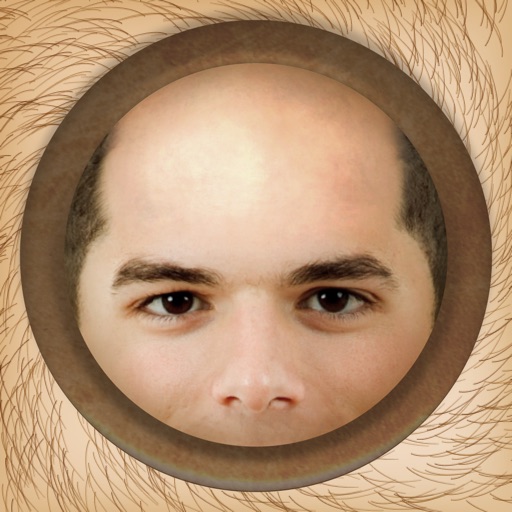
The app allows users to instantly make people bald in photos using an iPhone, iPod Touch, or iPad. It works with photos from the device's camera, photo library, or Facebook albums.
Edit photos with twisting, morphing, pinching, and warping tools. Apply 800+ free in . Record videos with , pause to change them mid-recording. Add music from device library. Export and share edited media.
Turn photos into drawings, cartoons, or sketches with one click. Apply 19 effects with full control. Save creations and share via Facebook, Twitter, Flickr, Tumblr, and Email.
Big Box™ allows users to press large buttons to trigger loud sound effects. Sound effects can be pitch-shifted using motion controls. Users can share sound effects directly.
Create videos from photos using templates with effects, filters, and themes. Add music and beat-sync particles. Choose from love, birthday, and festival themes. Export and share finished videos.