Collaborate on creative projects by previewing files and reviewing shared content. Leave comments and track project status updates. Approve files and manage next steps directly from your device.
by Open Text Corporation★ 4.1644 ratingsBusinessFreeData updated 2026-09-10
Track work hours with geolocation-based clock in/out. Submit and view timesheets. Monitor real-time PTO balances. Request time off with quick approval. Access peers’ PTO details for team visibility. Managers approve timesheets remotely.
The app allows employers to manage employee communication tracking for expense, travel, leave, and purchase management. It is designed for management teams to review and approve or decline requests on their iPad devices.
Files, pictures, and videos with contacts. Tap to send content instantly. View shared items in a gallery. Manage received files and delete them. No setup required for transfers.
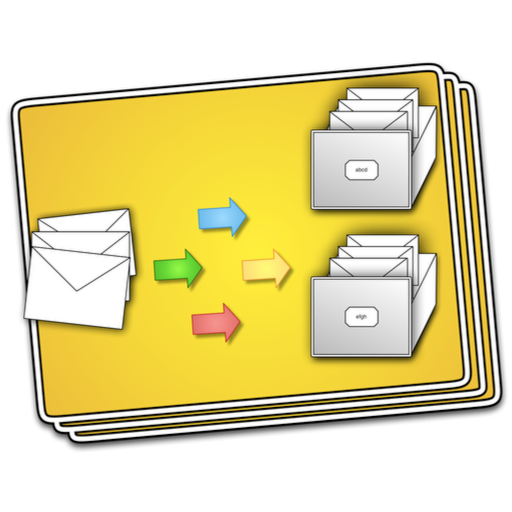
The app monitors email organization habits and learns from past actions to predict where new emails should be filed. Users approve suggestions, and the app handles the rest, integrating into their workflow.
Edit PDFs and Microsoft Office documents with annotation tools. Collaborate securely by commenting, highlighting, and sharing files. Manage tasks and track progress within the . Sync documents across devices and access cloud storage.
For files across local and cloud storage by adding locations and initiating scans. Results update automatically. Organize and access files from projects, research, and archives efficiently.
Team Turbo allows users to assign tasks with deadlines and priorities. They can add subtasks, attachments, and comments for clarity. The includes a meeting scheduling feature to coordinate team discussions and track progress in real time.
The app organizes projects, reports, drawings, and issues. Users can create reports, add and annotate drawings, and document issues with photos and comments.
Create, prioritize, and assign tasks with intuitive task management. Break down projects into manageable steps and track progress. Collaborate by assigning tasks, setting deadlines, and commenting in real time.