Create videos by selecting from camera or gallery. Adjust frame duration and apply effects, filters, themes, doodles, and stickers. Add music and create slideshow animations gif memes and stickers.
Create montages by selecting a character template and uploading a photo. Swap faces with a friend or use your own image. Apply detection to align your with the template. Share the final result.
Turn photos into GIFs by selecting from a variety of animations. Choose from options like extreme anger, sly smile, and epic slap. Share the resulting GIFs directly with friends. Edit and customize animations before sharing.
Record videos and live streams with automatic scrolling. Paste or sync scripts to the panel and start recording. View lines in real-time while filming or streaming. Adjust text size and speed for optimal visibility.
Solve by shaking, tilting, and rotating the device. Complete challenges involving saving aliens, counting bees, and petting dogs. Features a continuous storyline with interactive elements and professional in-game audio.
Take photos and apply distort, duplicate, or transform effects to create funny face images. Preview live filters before capturing. Create photos, videos, or animated GIFs with the 's effects.
Create custom emojis using facial expressions. Capture and edit images to generate stickers. Add filters and borders for enhanced visuals. Share emojis via iMessage and social media. Upgrade to Pro for advanced editing features.
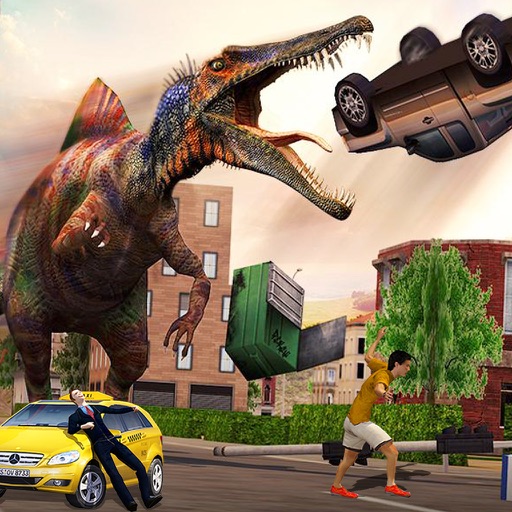
Play a game where players avoid attacking animals like dinosaurs, lions, and bears in a city environment. Navigate through a large map to explore different areas. Avoid collisions with vehicles and other obstacles while trying to survive.
Organize photos and videos into folders and subfolders. Create, copy, move, rename, or delete media files. Set passwords and covers for folders. Sort by date, name, or type. Add descriptions and star ratings.
Create frame-by-frame animations using drawing tools. Share animations with a community. Participate in themed contests. Export animations in multiple formats. Sync with flipbook style playback. Collaborate with other creators.
Create animations with drawing tools, color options, and frame management. Import images or draw directly. Export and share animations on Cineverse. View progress and refine frames for detailed editing.
Edit screenshots with redact, highlight, underline, strike, blur, blend, and pixel tools. Create and customize screenshots with notes, text overlays, GIFs, and device mockups. Adjust shadows and fillets for precise styling.