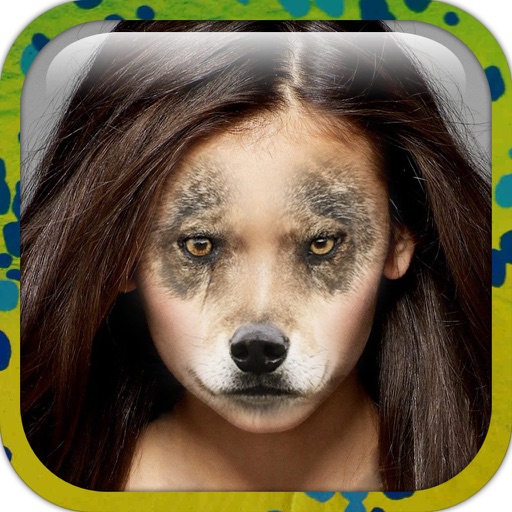
Edit photos by applying faces and filters. Choose from free templates to try on. Upload photos from albums or Facebook. Share edited images on Twitter or Facebook. Select preferred for personal use.
Edit photos with filters, effects, and backgrounds. Add stickers and choose from various fonts. Crop, resize, and rotate images. Create square photos and adjust ratios. Share edited photos directly.
Post photos and videos without cropping for Instagram. Add blur backgrounds automatically. Resize, rotate, and zoom content within the square. Apply effects, filters, stickers, and text. Select no layouts. Support 1080P video. Save in high quality.
Create digital cards by selecting themes and adding decorative elements like flowers and frames. Enhance photos with beauty accessories and customize them using various items. Save or share cards on social media.
Edit photos with advanced tools like layers, masks, and adjustment brushes. Crop, rotate, and resize images. Add text, stickers, and special effects. Export in various formats and share directly.
Resize photos to custom dimensions for social media, websites, and emails. Adjust sizes via slider or manual input. Access photos from camera, files, or web links. Save edits to history and share directly or store in photos.
Create collages using free backgrounds, stickers, and fonts. Add text and images. Save collages to device or print. No account or social sharing required. Suitable for classroom and children use.
Edit photos by adding hats, wigs, shades, costumes, and accessories. Choose from 350+ free and 480+ premium objects. Adjust elements with intuitive tools. Save and share edited images directly.
Upload full-size photos and videos to Instagram without cropping. Adjust position, rotation, and scale of images. Change background with customizable colors and patterns. Create Instagram stories and highlight covers with styling options.
Resize images to fit various formats like Instagram posts, stories, Facebook covers, or custom ratios. Adjust aspect ratios manually or select preset options. Apply Fit or Fill modes to scale images without cropping or stretching.
Blur image backgrounds to create effects. Select photos from gallery or capture new images. Apply multiple blurring tools to adjust blur intensity. Export edited photos to device storage.
Add and captions to and videos with customizable fonts and styles. Include balloons for dialogue effects and adjust size, color, and alignment. Trim video clips and select areas. Support 9:16 full-screen format.