Apps Like Selfie Drawing Camera for iPhone and iPad
Draw self-portraits in seconds
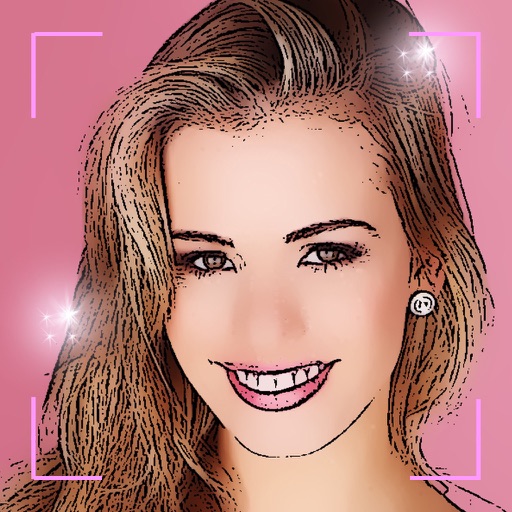
Create self-portraits with sketch and artistic effects. Apply filters like sketch, painting, and pixelate. Save photos to the library or share on social media platforms. Print images directly.
by Quantis, Inc.★ 1.01 ratingsPhoto & VideoFreeData updated 2026-09-10
The app provides numerous effects to transform photos into fantasy images. Users can combine and adjust effects like rings, swirls, and fireworks to create unique pictures.
The app provides slow shutter control and a full set of effects and filters. It includes capture modes, adjustable shutter speed, a self-timer, and freeze and contrast controls.
Create pencil sketches, oil paintings, and other artistic effects from photos. Choose from 13 styles including watercolor and comic black and white. Adjust colors and resize images. Export edited photos.
Combine photos into framed and captioned layouts. Add text and filters to enhance visuals. Share directly to Instagram. Arrange images with creative and decorative effects.
Edit photos with skin smoothing, wrinkle removal, and blemish reduction. Adjust makeup intensity and highlight areas. Apply filters for natural or enhanced looks. Save and share edited images directly.
Capture photos with manual exposure and focus controls, RAW and TIFF support, and real-time adjustments. Edit images with advanced tools, apply effects, and export in high-quality formats. Share photos directly from the .
Merge photos into artistic compositions by selectively editing and combining image elements. Remove or re-add parts using finger painting techniques. Adjust brush settings for precise control.
Children can freely using a virtual notebook with crayons and brushes. They can sketch shapes, experiment with colors, and create without limits or templates.
Apply filters to photos and videos for stylized effects. Swap faces in videos for creative self-portraits. Use pose guides and trendy hairstyles to enhance photo composition. Adjust filters and effects for customized artistic outcomes.
Edit photos with one-tap auto enhance and apply hundreds of filters and . Add stickers, frames, and text. Adjust brightness, contrast, color temperature, and saturation. Crop, rotate, and straighten images. Sharpen or blur details.
Take a selfie and submit it for others to portraits. Browse community artwork including masterpieces, doodles, and caricatures. Use GPU-accelerated tools with various brushes for drawing.
Apply photo to enhance images. Adjust brightness, contrast, and saturation. Add to photos and videos. Share edited content directly to social media platforms.
Add to photos with machine learning. Choose from Bokeh, Box, Motion, Crystallize, or Pixelate styles. Adjust intensity with a slider. Apply to single or multiple images.
Transform photos into -style images or cartoon avatars using AI. Apply filters like toonify, face child, and reface. Edit portraits with artisan tools. nime or 3D characters. Share edited images directly.
Turn selfies into cartoons with instant morphing and emotion imitation. Apply , pencil sketch, and bug eyes effects. Create old man, moon, or beard styles. Share edited portraits directly.
Convert photos to colored or black and white sketches using 7 available effects. Choose a photo from the library or take a new one. Apply a effect and save the result to the device. No internet connection is required.
Transform photos into paintings using 120 unique painter styles. Apply oil , cartoon, pencil sketch, and pop art filters. Edit and share the final artwork directly.