Create 3D scenes with multiple characters or simple shapes to visualize sketch outlines. Generate storyboards via screenshots or frame comic book illustrations. Adjust light and perspective for anatomically accurate figures.
by UNSH VOF★ 4.64,412 ratingsUtilitiesFreeData updated 2026-09-10
Create digital art with specialized brushes like Neon, Lightning, Calligraphy, and Spray. Apply realistic textures including Canvas, Paper, Metal, and Fabric. Use precision tools such as Pen and Touch for detailed work.
The app captures images of whiteboards or business cards and corrects their perspective. It imports business card information into the user's address book and allows text searching within uploaded whiteboard images.
Create animations using frame-by-frame drawing on photos. Add doodles and export as GIF or video. Share finished animations with friends. No advanced drawing skills required.
Identify human-like figures and uniform shapes using and depth sensor data. Apply exclusive filters to enhance visual effects. Adjust settings for depth perception and object recognition accuracy. Share modified videos directly from the .
Track flight details like callsign, aircraft, departure and arrival airports, and weather. View remaining time, distance, and altitude charts. Save and annotate screenshots. Browse current flights and flight data from multiple simulators.
Control MiSTer FPGA systems remotely via phone or tablet. Navigate menus, launch cores and games, edit settings, browse and take screenshots, and customize the menu. Manage system configurations and view game details.
Use iPad and Apple Pencil as a liquid crystal tablet. Draw in PC programs like Photoshop and Clip Studio. Connect via wired or wireless. Supports pressure sensitivity and real-time rendering. Export drawings as image files.
Upload in-game screenshots to extract data using text recognition. Convert data into a format compatible with an online optimizer. Plan and test combinations within the . Export optimized sets for use in the game.
The app organizes and manages iPhone screenshots. It identifies screenshots, allows users to move them into folders in iCloud Drive, and offers options to delete unwanted images from the camera roll.
Place screenshots in realistic device frames. Choose format, background, and device model. Export rendered images for use in presentations or portfolios.
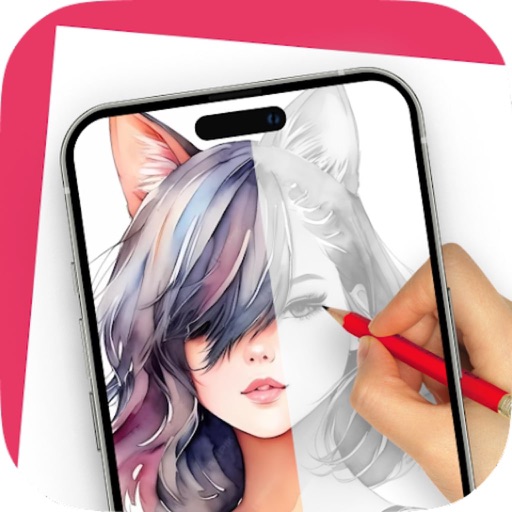
Create and view drawings in real-time using AR technology. and on screen with customizable tools. Export artwork in various formats and share directly. Adjust colors, brush sizes, and layers for detailed editing.
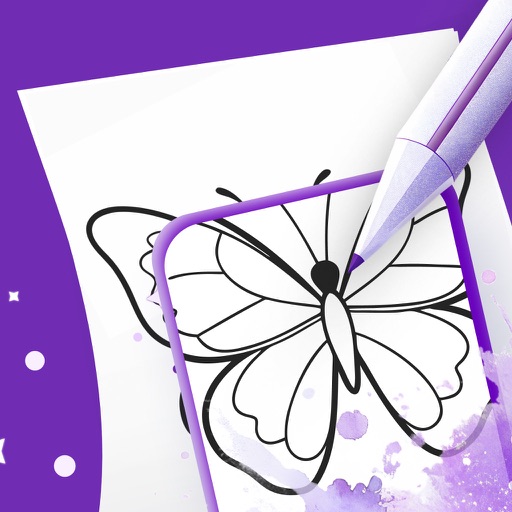
Use your phone camera to projected images on paper and add color. Choose from templates like animals, cars, and nature. Includes a built-in flashlight. Share finished drawings with friends.
Access advanced settings including saturation, exposure, ISO, and gamma. Capture slow motion, long exposure, and light trails. Browse, download, and edit files on a connected SD card. View tutorials for professional shooting techniques.
Arthur Eduardo Skaetta Alvarez Desenvolvimento de Software LTDA.
Combine screenshots into one image and share
Combine multiple sequential screenshots into a single long image for easier sharing. Automatically align and merge screenshots using computer vision. Save and share the stitched image directly without internet connection.