Preview designs on native devices with real-time transitions via USB or cloud documents. View design elements and interactions as they would appear on target devices. Share feedback and collaborate with others directly within the .
Provides brushes, fonts, digital fashion, stickers, textures, 3D models, and color palettes for . Includes AI references and anime brush sets. Offers for customizing and enhancing creative projects. Syncs with on iPad and Pocket.
Edit videos with six audio/video or graphic tracks, supporting 4K ProRes and HDR. Add multiple audio layers. Create complex edits with smooth timeline handling. Export in various formats. Share finished projects directly.
Create vector illustrations and technical drawings with precise tools. Adjust shapes, colors, and layers. Export in multiple formats. Sync between macOS and iPad.
Create sketches using ink and effects. Preview effects in real time via camera. Adjust settings for optimal results. Capture photos directly within the . Share finished sketches on social media platforms.
Edit videos with trimming, cutting, and splitting tools. Add transitions, effects, and text overlays. Import and export in various formats. Collaborate in real-time with multiple users. Adjust audio levels and apply filters.
The app offers extensive on-canvas editing for object geometry, transform, and paint properties. It supports saving to SVG and SVGZ formats and exporting to PNG, JPG, WebP, PDF, and HTML5.
Edit photos and videos into high-quality drawings, sketches, and illustrations. Apply pencil, charcoal, or technical filters. Enhance videos with advanced filters. Export edited content in various formats.
Create logos and brand identities with drag-and-drop tools and customizable templates. Choose colors, fonts, and graphics. Export designs in various formats and share directly. Compete with ideas and refine concepts quickly.
Edit photos with custom cropping, flipping, and rotating tools. Adjust incline and stretch for precise edits. Apply cinema-grade color grading and one-touch Magic Sky edits. Use poster templates for creative layouts.
Create seamless patterns using 17 symmetry types and 23 templates. Draw with 18 brushes including pencil, liner, and airbrush. Use symmetry guide lines to align designs. Export patterns in multiple formats.
Sculpting tools allow shaping creations with brushes like clay, flatten, smooth, and mask. Trim boolean cutting with lasso and rectangle shapes. Stroke customization includes falloff, alphas, and pencil pressure. Save and load tool presets.
Add to photos with customizable fonts and styles. Place objects for creative effects. Create posters, covers, and invitations. Edit and share edited images directly.
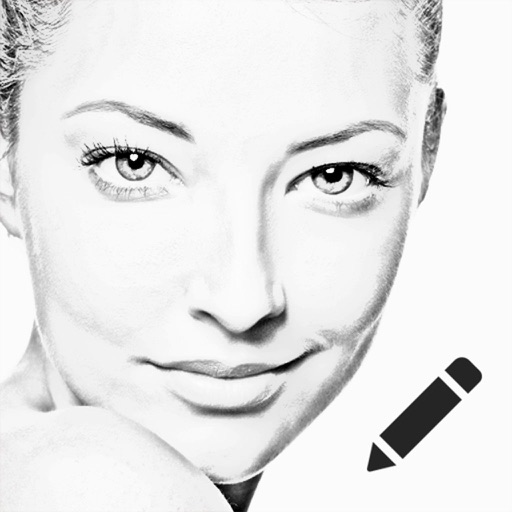
The app converts photos into pencil sketches and offers a collection of coloring pages. Users can select photos from their album or take new ones with the camera to create sketches.