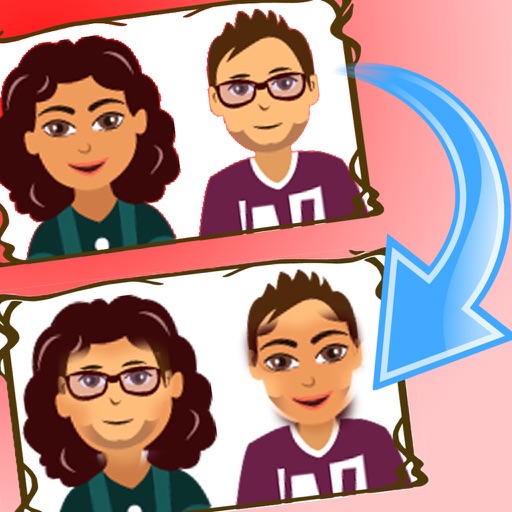
Swap faces in photos with a single tap to replace faces in images. Edit up to 12 faces in one photo. Share modified images directly to social media platforms like Facebook and Twitter. Features include intuitive interface and quick editing tools.
by rakan bushnaq★ 4.116 ratingsPhoto & VideoFreeData updated 2026-09-10
Swap faces in videos and photos using AI technology. Upload images or videos and generate personalized content with pre-designed templates. Edit swapped faces for accuracy and export final results.
Edit photos by beautifying faces or replacing backgrounds. Apply filters and adjust images. Duplicate subjects in portraits. Use depth data from dual-camera photos to enhance edits and create -style effects. Export modified images directly.
Create twin-style photos by applying mirrored filters and effects to selfies. Swap faces in images and videos. Share edited photos directly to social media platforms. Add captions and stickers for humor.
Edit photos by removing backgrounds using neural network technology. Choose from various options or leave as white. Upload selfies and replace backgrounds instantly. Export edited images in standard formats.
Mute video with Simple Mode by selecting the video and pressing 'Save.' Use Time Range Mode to replace specific sections with silence or bleep sounds. Adjust sections for precise control.
Edit photos by swapping faces with AI precision using 100+ templates or custom images. Replace multiple faces in videos with realistic animations. Create animated portraits and apply virtual hairstyles or outfits.
Create AI-generated hug, , dance, and hold hands videos from photos. Add text and filters. Export videos and share directly. faces and apply motion effects to images.
Edit photos by removing backgrounds using AI-powered . Select images from gallery or camera. Replace backgrounds with options from various categories. Blend foreground with chosen for natural results.
Identify and duplicate photos using smart grouping. Recognize favorites, edits, faces, and eye states. Confirm photos to keep; remaining images are moved to the Bin for final review before deletion.