Allows users to create drawings using realistic strokes. Users can choose colors, adjust brush sizes, and apply effects. Artwork can be saved, shared, or exported. The interface supports freehand drawing and coloring activities.
by An Banh★ 4.3307 ratingsEducationFreeData updated 2026-09-10
The app allows users to place stickers of various sizes on over 20 backgrounds. Users can also color pictures with a crayon tool, add text, and save or share their creations.
And customize kittens with selection and drawing tools. Bring drawings to life for interactive play. Choose from multiple characters and engage in creative activities.
The app offers drawing tools including crayons, paint brushes, and colored pencils. Users can create stories by talking about their drawings and moving stickers, then save and share their creations.
Explore interactive games, puzzles, and challenges to develop early learning skills. Solve problems and receive positive feedback from a dancing character. Watch narrated videos showing real school children in educational settings. Ages 3-6.
The app teaches children the alphabet and numbers through an entertaining game. It offers pronunciation for letters and numbers, with the alphabet available in multiple languages.
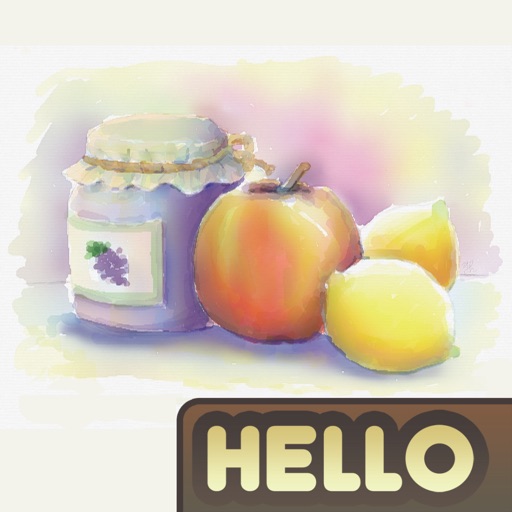
The app simulates watercolor blending and spreading behaviors using fluid simulation technology. It supports techniques like wet-in-wet, wet-in-dry, dry brush, and dry on wet, along with pencil sketching.
Create drawings using AR tools, trace real-world objects in real-time, and convert photos into sketches. Access a library of templates for design projects. Share artwork directly from the .
Create and customize a stick figure hero. Navigate puzzle levels to defeat the Corruption. Solve challenges, avoid traps, and progress through an expanded world. Unlock new characters and abilities. Share creations and progress with others.
The app provides a drawing experience with colorful stamps and rainbow lines that trigger sounds. Users can save their creations, clear the canvas with trash and eraser buttons, and choose between white and black backgrounds.
Pages allow users to create art with endless color options. Three brush sizes support fine motor skill development. No internet connection is needed for gameplay. Calming music enhances the experience. No third-party ads or data collection occurs.
Create and share digital art with drawing tools, color palettes, and brush customization. Import images for reference. Save and export artwork in various formats. Sync drawings across devices.
On , blank canvas, or images using pen, line, arrow, and shape tools. Edit photos with filters, adjustments, effects, and cropping. Customize tool size and opacity. Add text, stickers, and emotions. Export drawings in various formats.
Create digital notes and sketches on a blank canvas. Draw freehand or use preloaded templates. Erase or clear sections. Save and share drawings. Collaborate in real time with others. Import images and text. Adjust colors and brush sizes.
Teach children to draw and color step-by-step through guided coloring . Select from segmented images with pre-chosen color palettes. Encourage creativity with interactive features and music support.