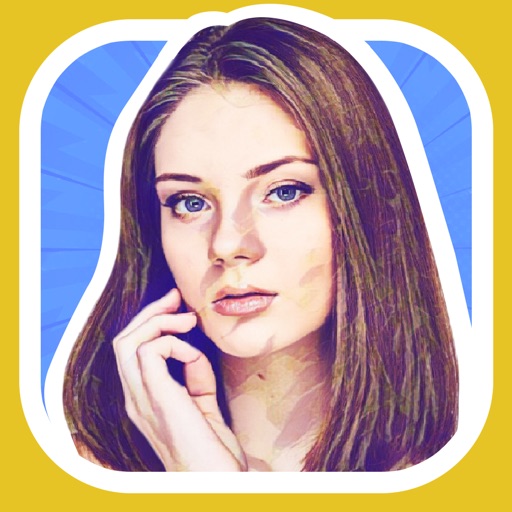
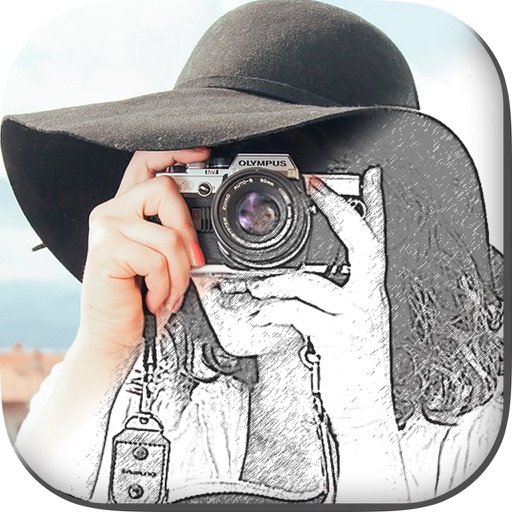
Create and style photos with single tap effects. Apply 8 filters including , Cartoon, and Dots. Share images to social media or save to photo library. Print photos directly.
by Quantis, Inc.★ 4.1322 ratingsPhoto & VideoFreeData updated 2026-09-10
Lets users apply artistic effects like anime, cartoon, and voxel styles. Edit photos with AI-powered tools to enhance portraits or create avatars. Choose from claymation and comic styles. Export edited images directly.
Edit photos by applying romantic from a gallery. Add text and filters. Resize or move images. Save edited photos. Decorate images with 3D for creative expression.
Transform photos into -style artwork using AI. Select an image from the camera roll. Apply filters via AI processing. Save the result and share it directly.
Create photo stories with templates, frames, backgrounds, and stickers. Customize backgrounds with colors and patterns. Add elegant stickers. No account required. Access all features with VIP subscription.
Create collages by placing photos within each other for a picture-in-picture effect. Blend images seamlessly to combine multiple photos. Edit photos with filters, cropping, and adjustments. Add text, stickers, and artistic effects.
Edit videos to create cartoon-style animations using predefined filters. Apply cartoon effects with varying outline thickness. Adjust frames to enhance the animation appearance. Export and share the final cartoon .
Edit photos with 140 humorous graphics and comic text. Apply filters by swiping. Share directly to Instagram, Facebook, and Twitter. Message quickly. Print photo creations as physical postcards.
The app creates unique photo compositions by combining two images from a user's camera roll. Users can also apply filters to existing photos to generate new compositions.
Create pictures by applying cartoon filters to selfies and photos. Edit images with graphics and text. Update pictures frequently and save edits for future use.
Capture photos with built-in live filters in landscape or portrait mode. Adjust saturation, contrast, brightness, exposure, and sharpen. Apply crop, gamma, haze, sepia, or color invert.