

Apps Like Textmoji ⊂(◕‿◕⊂) for iPhone and iPad
Textmoji ⊂(◕‿◕⊂) screenshots
Ranked alternatives
Showing 321–340 of 1,000 ranked alternatives.


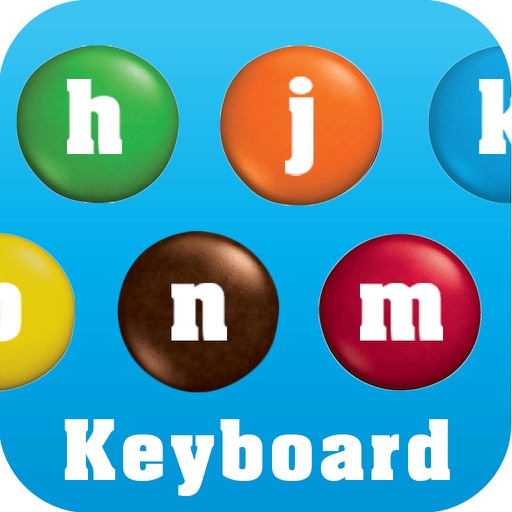
M&M'S KEYBOARD
Mars Inc.
Type with your fingers and thumbs
Type text using a customizable with emoji and GIF support. Choose from various layouts including support for thumbs and fingers. Access M&M’S® branded GIFs and stickers. Share content directly from the .




Fonts Art: Keyboard Fonts
沙丽 易
Type with and emojis
Customize text with a wide range of and emojis. Choose from various styles including cursive, gothic, and text art. Add emojis to messages and social media posts. Edit and format text directly on the . Share formatted text across platforms.


Myanmar Keyboard - Translator
Piyush Parsaniya
Type in
Type words with an intuitive keypad that provides automatic suggestions. Write messages, stories, and social media posts in . Support for email and document input. Includes a built-in for language conversion.

Anitate - 86 Animated Stickers
Raven Yu
Send and messages
Use to enhance photos and chats. Drag and drop onto images or chat bubbles. Access exclusive like dinosaur, sandwich, and reindeer. Send directly or add them to photos. Each sticker is handcrafted with frame-by-frame animation.

Amharic Keys
LE SANG
Type with QWERTY keyboard
Keyboard for iOS allows typing in using a QWERTY layout. Tap and hold to access all letters in a row. Supports copy-paste to other apps. Includes font installation instructions for iOS 7.0.


Kannada Keys
LE SANG
Kannada system keyboard for iOS
The app provides a Kannada system keyboard for iOS. It assists users in typing Kannada on iPhone and iPad with features for copying text, translating Kannada to English, and sharing text via social media and messaging.

Sinhala Keys
LE SANG
Sinhala system keyboard for iOS.
The app provides a Sinhala system keyboard for iOS. Users can type in Sinhala, copy text, and share images and Sinhala text to social media platforms.


EasyType Keyboard
TypeSoft s. r. o.
Type with auto-correct and emoji access
Type with auto-correct and predictive text. Access emojis without full access permissions. Customize themes and adjust layout. Use swipe gestures for navigation. Scroll through text for better cursor control.
How we rank alternatives
Apps are ranked by functional similarity, category fit, rating confidence, and popularity.