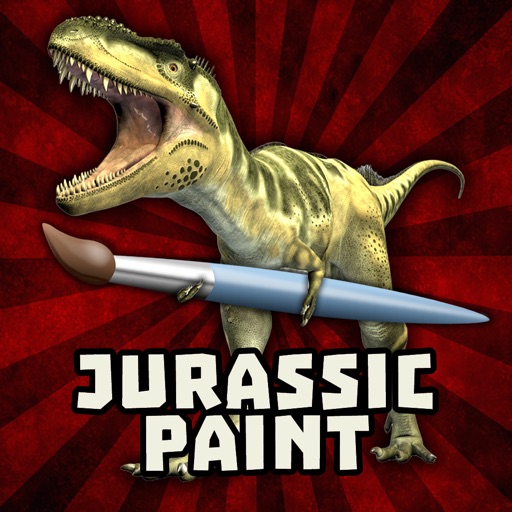
Add to photos by selecting an image or using the camera. Choose from various dinosaur options and position them with drag, resize, and rotate tools. Use the erase tool to blend into the scene realistically.
Edit photos with borders, cropping, and resizing tools. Add designer borders to round images. Save and share edited pictures on Instagram, TikTok, Facebook, Twitter, WhatsApp, and other platforms.
Edit photos with filters, masking tools, and multiple filter layers. Apply selective filters using advanced masking to create effects like color splash or tilt shift. Adjust and combine filters for custom results.
The app allows users to combine photos and music to create slideshow videos. Users can choose and arrange photos, edit them, add transitions, select music, and then save or share the video.
Edit photos and videos with AI-generated anime styles, including facial enhancements and background effects. Apply filters, adjust colors, and add animated elements. Export edited content in various formats and share directly.
Capture or select images from the camera roll. Add , arrows, text, and use the pen tool for annotations. Pixelate sections or include emojis. Add captions and share via Apple Messages, Mail, Twitter, Slack, Snapchat, WhatsApp, Line, and Instagram.
Create -themed collages using 100+ available frames. Add text with customizable fonts and colors. Adjust opacity and rotate images. Select photos from gallery or camera. Apply effects to enhance visuals.
The app allows users to watermark and annotate images in batch mode. Users can customize text and logo marks, add multiple layers, and save settings as profiles for easy retrieval.
Edit photos with color and film filters, vintage textures, and light leak effects. Adjust brightness, contrast, and saturation. Add vignettes and analog film sensations. Export edited images in various formats.
The app allows users to crop photos into a square shape for posting on Instagram. It supports both landscape and portrait orientations and offers various background options and effects.
Create collages using over 50 templates. Customize layouts, add text, and include photos or videos. images with filters, cropping, and manual adjustments. Shoot photos with manual camera controls. Export and share edited content in various formats.
Edit photos with HDR effects, filters, and detailed adjustments. Enhance images with powerful lighting and contrast tools. Save and share edited photos in various formats.
The app allows users to add typography, filters, frames, shapes, and stickers to photos. It includes tools to adjust sharpness, brightness, saturation, contrast, RGB, hue, and exposure.
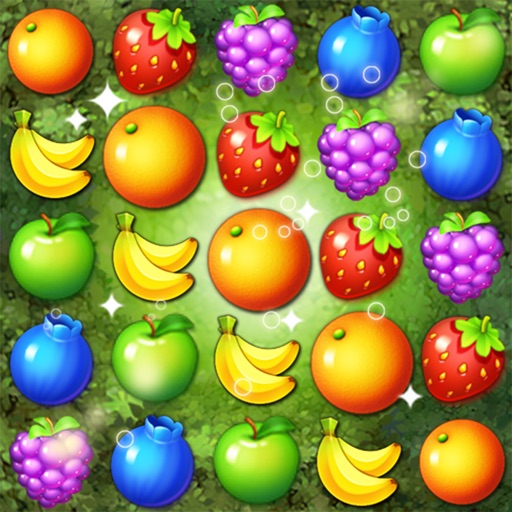
Play a brain puzzle game with simple rules. Match three or more to clear levels. Move to match colors. No play limits or heart systems. Offline play available. Supports tablet screens and multiple languages.
Convert black and white images to using selective recoloring. Select photos from the gallery or capture new ones. Pan and zoom for precise editing. Resize and fit images to the screen. Use redo and undo features for error correction.