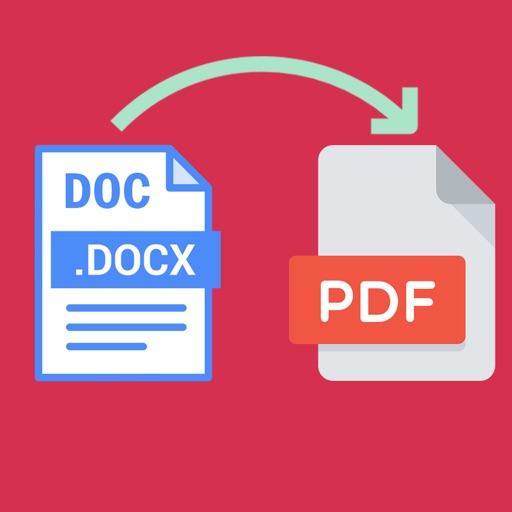
Convert files to PDF including , Word, Excel, Txt, and PPT. Merge multiple PDFs, lock or unlock files, and scan documents. Edit PDF content, rename files, share, print, and convert PDFs to .
Open and read documents (.wpd, .wpt, .wp, .wp4, .wp5, .wp6) on iOS devices. View document outlines, page thumbnails, and search text within files. Supports versions 1 through 11.
Convert documents and images between supported formats. Select files from device storage or photo library. Choose target format from list including PDF, DOC, JPEG, PNG, and more. Preview converted files before saving.
Control smart home devices, set reminders, and manage tasks via voice commands. Generate text-based documents, conduct research, and create images using AI. Provide intelligent answers and integrate with multiple AI models for enhanced functionality.
Files between DOCX, XLSX, PPTX, and photos to PDF. Create PDFs from various sources. Edit and annotate PDFs. Export files in multiple formats. Share converted documents directly.
Convert documents like , Excel, and PowerPoint to PDF with a few taps. Edit PDFs by adding text, comments, and annotations. Merge multiple files into one PDF. Export converted files to various formats and share directly.
Convert PDF documents to high-quality images. Extract clear photos from PDFs for reuse in office software. Edit, sign, and email converted files. Share via social networks or print/fax selected pages.
Transfer files wirelessly between iPhone and compatible devices via . Use TouchID or password for security. Connect iPhone to PC or smartphone using a web browser. Backup files like a USB without physical connections.
Transfer files via SFTP and FTPS protocols. Upload photos and videos in native format with metadata. View image files in gridview. Support for private keys and secure connections.
Convert images to PDF by selecting files from the device. Rename, reorder, and organize converted files. Export as PDF or other supported formats. Share converted documents directly via email or messaging apps.
Convert documents to PDF and JPEG formats. Recrop scans, adjust contrast, and change orientation. Import from Photos for editing and sharing. Save files to Google Drive. multi-page documents and organize into custom folders for easy access.
FTP client allows users to add, modify, and delete FTP servers. Download and upload multiple files or folders. View files online, create folders, and track progress. Access download and upload history. Sort files by name, date, or size.
Word documents to PDF with full font support including Unicode, Indian, Arabic, Brazilian, and special fonts. Edit and view PDFs without font errors. Save and share converted files directly.
Access files from iPhone or iCloud and print directly to AirPrint-enabled printers. Print photos, web pages, emails, and clipboard content. Print text notes from the ’s notepad or imported files.
The app provides access to files, photos, videos, music, and documents from cloud storage providers and personal content sources. Users can search content across multiple providers from their iPhone, iPad, or iPod.
Transfer files between iOS devices via without file type limits. Share local documents, photos, and folders. Resume transfers, manage multiple files, and view transfer history. Sync file operations across devices.
Edit PDF files by filling out forms, checking boxes, and adding text. digitally with a handwritten or stored signature. Highlight, annotate, and draw on PDFs for notes and comments. Import files from any source and save or share edited .