Edit photos into 360-degree images. Zoom in and out for precise adjustments. Add professional effects like lens flares and sky objects such as the sun, moon, planets, and birds. Export and share the final image.
Create collages by arranging photos in various layouts and adjusting their position, angle, and size. Apply unique filters and choose from rich typography styles and text stickers.
The app offers over 200 overlays and 140 filters to enhance photos. Users can add typography and artworks from a selection of over 700 artworks and 150 fonts.
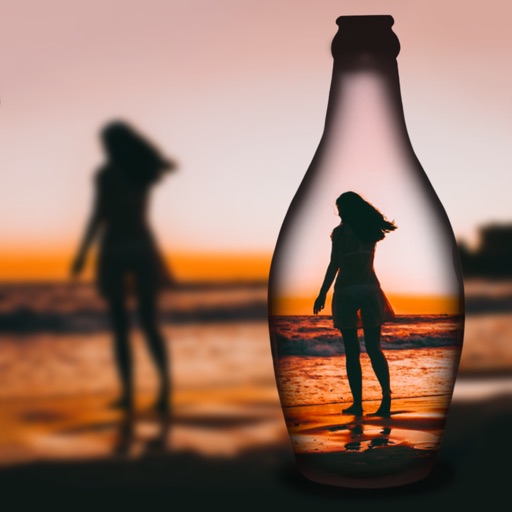
Create reflection for photos with left-right, up-down, and repeating options. Apply cool filters and artistic frames. Edit images to generate twins and typography .
Create designs, stickers, and graphics with fonts,
Create custom designs and stickers using fonts, shapes, colors, and objects. Add text, edit elements, and export designs. Share creations with others. Use pre-designed templates for business cards, CVs, and logos.
Create artistic images using 50+ custom templates. Crop and frame photos into symbols, words, or shapes. Share finished images to Instagram, Facebook, Flickr, Tumblr, and Twitter.
The app offers layer-based photo editing with unlimited layers. Users can add textures, typography, artwork, masks, and adjustments to personalize images.
Create flyers, posters, logos, and social media graphics with customizable fonts, filters, shapes, and artwork. Add text, adjust colors, and export designs for print or online use.
Allows trimming, cutting, and adding effects to videos. Collage lets arrange multiple photos into grids or layouts. Slideshow creates timed photo presentations with music. Photo offers filters, cropping, and text tools.
Create custom wallpapers with scaling and resizing options on various backgrounds. Choose from color, gradient, pattern, bokeh, and text effects. Apply parallax effect for all iPhone and iPad devices.
Edit photos with and reshaping tools, skin smoothing, and blemish removal. Apply subtle aesthetic filters. Edit selfies quickly for social media. Use AI to enhance facial features and overall appearance. Export edited images in various formats.
Edit photos with background erasing and replacement. Remove backgrounds automatically or manually using AI. Replace backgrounds with custom images, colors, gradients, or textures. Adjust and enhance images with precise editing tools.
Capture photos using a built-in camera and save them to selected albums. Create double exposures or use booth mode. Organize media into albums and browse for specific images. Edit photos with filters, cropping, and adjustments.