Apps Like Paint Me Fun for Kids X for iPhone and iPad
Color images, save your art, create vehicles
Coloring game for children allows selection of 10 vehicle images for custom coloring. Users can choose colors and save their creations. Features include drawing tools and art storage.
by harun tayfun soylemez★ 0.00 ratingsGames$0.99Data updated 2026-09-10
Coloring pages allow users to animals, flowers, nature scenes, people, places, mandalas, and more. Follow numbered grids to fill in colors. Save progress and share completed artwork.
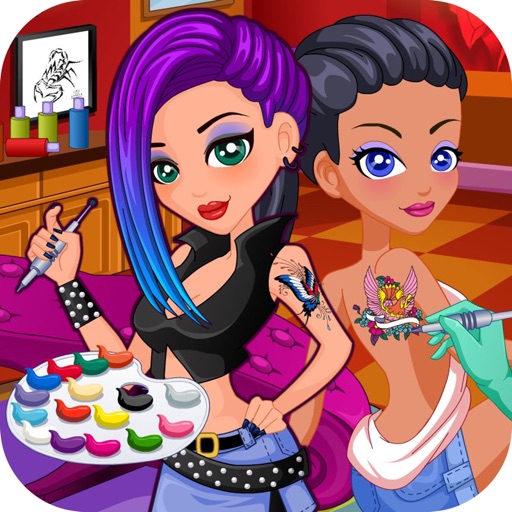
Create tattoos for clients by drawing, applying, sterilizing, and coloring designs. Choose from various skin types and customize tattoos to match lifestyles. Save and share finished tattoos.
Color Planet offers immersive coloring experiences
Color Planet allows users to color intricate images with a variety of tools. Select from thousands of coloring pages. Adjust brush size and color options. Save and share completed artwork. Sync progress across devices.
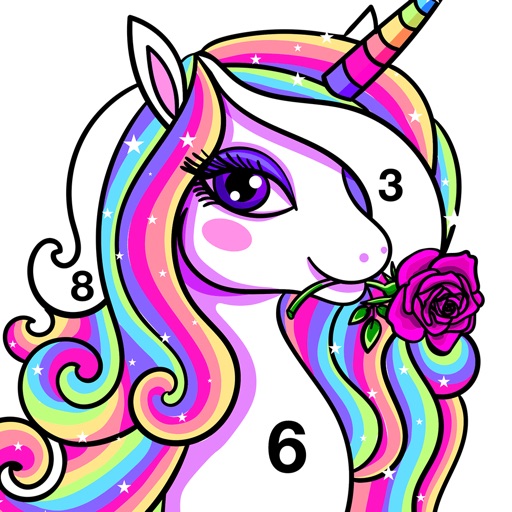
Create art by coloring numbers on various pages. Select colors for each to fill in images. Choose from categories like people, animals, and cartoons. Save and share completed artwork.
Coloring book allows users to color pre-drawn artwork. Choose from various themes like animals, landscapes, and mandalas. Apply colors to fill in sections. Save and share completed pages. Adjust brush size and opacity. Sync progress across devices.
Create art with and drawing tools. Select from animal images like dolphins, bats, and lions. Use brushes and pencils to color. Save and share finished artwork. Features include animated visuals and interactive elements for young children.
Create and customize art drawings with a variety of colors and tools. Select from pre-designed templates or draw freely. Save and share finished artwork. Collaborate with others in real-time. Learn basic drawing techniques through guided activities.
And create art with a variety of pre-designed images including mandalas, animals, and flowers. Build a garden, earn rewards, and access daily updated coloring pages. Share finished artwork and customize palettes.
Allows users to based on numbers to create artwork. Select colors and apply them to numbered sections. Save and share completed drawings. Track progress and revisit previous creations.
Create art using -based drawing tools. Customize colors and brush sizes. Save and share creations. Import images to trace or combine with drawings. Export in various file formats.
Create and customize drawings with a variety of colors and brushes. Use preloaded templates for coloring or draw freely. Save and share completed artwork. Adjust brush size and opacity for detailed work.
Allows users to play by puzzles with high-resolution images. Users can select colors, fill in numbers, and complete artwork. Features include undo options, zoom capabilities, and save progress.
Can color and draw on various images. Choose from multiple templates and customize with colors. Save creations and share them with others. Learn basic art techniques through interactive activities.
For allow users to paint pictures of animals and vehicles. Features include selecting colors, erasing mistakes, and saving completed artwork. learn animal and vehicle names while improving fine motor skills through drawing activities.
Coloring by numbers lets users select images and fill in colors to create artwork. Features include choosing from themed pictures like travel, animals, and mandalas. Users can paint directly on the canvas and save their work.
Games allow users to select color by number puzzles and images by tapping colors. Features include on pages, recoloring existing artwork, and saving progress. Users can access pixel art books and sketch freely without internet connection.
By numbers with detailed designs and numbered sections. Select colors and apply them to complete images. Save and share finished artworks. Adjust brush size and opacity for precise coloring.
Create art by coloring pre-designed images. Select colors from a palette and apply them to sections of the artwork. Zoom in with two fingers for detailed work. Save and share completed designs.
Customize cases with painting and acrylic art tools. Choose colors and patterns to design unique cases. View designs in 3D and share creations with others.
Learn colors through interactive storytelling and coloring activities. Explore color mixing and naming. Create custom color combinations. Save and share artwork. Sync with devices for continued play.