Home entertainment systems via iOS or macOS devices. Adjust TV volume, change channels, and navigate menus. Switch between streaming services like Netflix and Disney+. Manage Hub settings and device connections.
Control device via WiFi or Ethernet network. Specify IP address during first launch to establish connection. Adjust settings, navigate menus, and manage recordings remotely from iOS device.
Control TV playback with shortcuts, widgets, or Siri. Discover devices on your network automatically. Use private listening on Mac and iOS. Sync with Apple devices via keyboard shortcuts and volume controls.
Control your TV remotely by turning your smartphone into a universal . Power the TV on or off, change channels, adjust volume, and navigate menus with touch gestures. Connect seamlessly for consistent performance.
Control LG TVs remotely with mouse and keyboard inputs. Connect to previously paired devices automatically. Access live TV content and capture screen images. Share photos and launch TV apps. Requires same Wi-Fi network for Mac and TV.
View live and recorded footage from connected devices. Control PTZ cameras for pan, tilt, and zoom. Receive event alerts and manage device settings remotely.
The app allows users to control a presentation computer remotely using an iOS device or Apple Watch. Users can advance slides from anywhere with an internet connection after installing the controller application.
Control a Professional levelling tool via Bluetooth from a smartphone. Adjust laser settings remotely without physical contact. Connect to line lasers, combi lasers, and rotary lasers with "C" in their name.
Control connected lights via iPhone and Apple Watch. Adjust colors using a color wheel and save favorites for quick access. Apply light effects with customizable settings. Access a time-saving widget for quick adjustments.
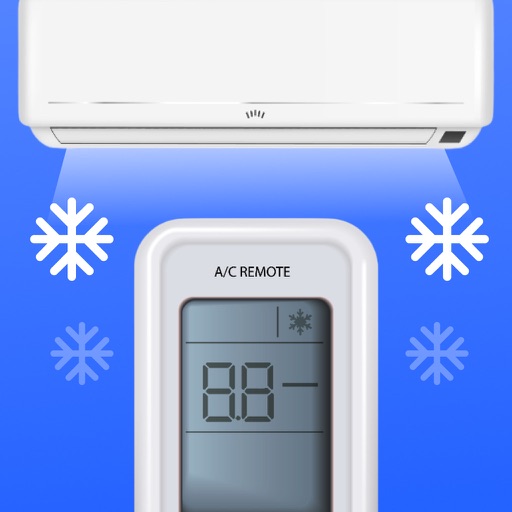
Control air conditioner settings from a smartphone. Adjust temperature, switch modes, and manage fan speed. Set timers and sleep modes. Connect to major AC brands via IR or Wi-Fi. Manage multiple devices and view energy usage.
Control MiSTer FPGA systems remotely via phone or tablet. Navigate menus, launch cores and games, edit settings, browse and take screenshots, and customize the menu. Manage system configurations and view game details.
Control computer applications with touchpad gestures and keyboard input. Send application notifications and manage passwords. Use modifier keys and foreign language keyboards. Enable on-screen typing and keyboard functions.